



























As more SMEs sell internationally through marketplaces and e-commerce platforms, accepting online payments in the buyer’s local currency is becoming standard – and often expected.
However, while pricing in local currency can improve conversion and customer experience, it can introduce operational and FX complexity into your operations – particularly if you’re a small business.
In this article, we’ll highlight the benefits of local currency payments, address some of the challenges SMEs face and introduce a solution designed to solve them: the World Account from WorldFirst.
The multi-currency World Account allows SMEs to receive and hold payments in 20+ currencies – and make payment in 100+.
Using local payment rails, the account helps you minimise transfer fees, intermediary bank deductions and FX fees. What’s more, 90% of payments arrive by the next day.
In this post, we’ll review:
- The pros and cons of accepting foreign payments in local currency
- Four key features to look for in online payment providers
- How the World Account offers a cost-effective, online solution for receiving local currency
Open a World Account for free today and start receiving local currency payments.
The pros and cons of accepting online payments in local currency
If you’re considering accepting payment in different currencies, first think through these benefits and challenges.
The advantages of accepting local currency payments
- Higher conversion rates: Customers are more likely to complete a purchase when prices are displayed in their own currency. In fact, according to recent research by PYMNTS, 94% of shoppers prefer to buy in their local currency – and one in three will abandon their cart if it’s not.
- Clearer pricing for buyers: When paying in their local currency, they don’t have to deal with surprise FX charges at checkout. This builds trust and reduces cart abandonment.
- Better marketplace alignment: Many global e-commerce platforms encourage or require local currency pricing to compete effectively. For example, if you’re a seller listing on Amazon.com, the currency will default to USD, not GBP.
The challenges to be aware of managing local currency payments
- Increased FX complexity: Selling in multiple currencies means managing multiple exchange rates as they fluctuate. Banks often charge a 1–3% fee to convert your earnings back to your home currency, and fluctuating exchange rates mean the final amount you receive can vary. It’s an important cost to factor in selling across borders.
- Automatic conversions can erode margins: Similarly, some marketplaces automatically convert your funds at their own rates, which are often high. For example, Amazon’s currency converter adds a fee of 0.75%–1.50% (sometimes up to 2.5%), meaning you receive less money than you would at the standard market exchange rate.
- Fragmented cash flow: Funds may settle in different currencies or accounts, complicating reconciliation and forecasting.
4 key features to look for in an online local currency payments provider
If you’re accepting payments from overseas, the right provider should reduce complexity – not add to it. These four features matter most for SMEs that accept payments in local currencies.
- Multi-currency accounts that let you receive, hold and pay in the currencies you need. Look for a provider that lets you receive local payments in multiple currency accounts, without charging you a payout fee or expecting you to convert currencies right away.
- Fast settlement and reliable payouts. Look for a provider that offers local currency accounts (using IBANs, sort codes, and account numbers) so you can receive funds like a local without relying on traditional cross-border bank wires. This way, your payments arrive in hours rather than days.
- Easy integrations with your marketplaces. Look for a provider that makes it simple to connect with the marketplaces that you sell on across the world, allowing you to collect all your local currency payouts in one place.
- One place to manage multiple currencies. Look for a provider that brings all payments into one dashboard, with clear balances and simple reporting.
Read more: How to pick the best online business bank account (12 options)
How WorldFirst offers a cost-effective, online solution for receiving local currency
The World Account is designed to help SMEs collect payments in 20+ currencies for free, just like a local.
For over 20 years, we’ve helped 1.5 million businesses pay suppliers, receive funds from international buyers and connect to 130+ marketplaces and payment gateways.
The World Account is free to set up and it’s free to receive and hold funds. What’s more, you can sign up today and start managing your cross-border transactions within 48 hours.
Here’s how the World Account is a viable payment solution for SMEs accepting local currency online.
Collect online payments in 20+ local currencies, and only convert when it suits you
With a World Account, you can open 20+ local currency accounts – including GBP, USD, CAD, AUD, CNH, EUR, HKD, JPY, NZD and SGD – making it easy to get paid in local currencies.
Thanks to local receiving accounts in each currency, you’re not forced to convert funds immediately, as you would be with a traditional business account. Instead, you can hold balances in the original currency and use them to pay suppliers in that currency’s region – without paying exchange fees or FX markups.
If you do decide to transfer those currencies to your local bank account, our risk management tools (like spot contracts or forward contracts) give you control over the FX fees you’ll pay.
Read more: Foreign exchange risk management: How to make international business more affordable
Connect with 130+ marketplaces locally, and settle faster
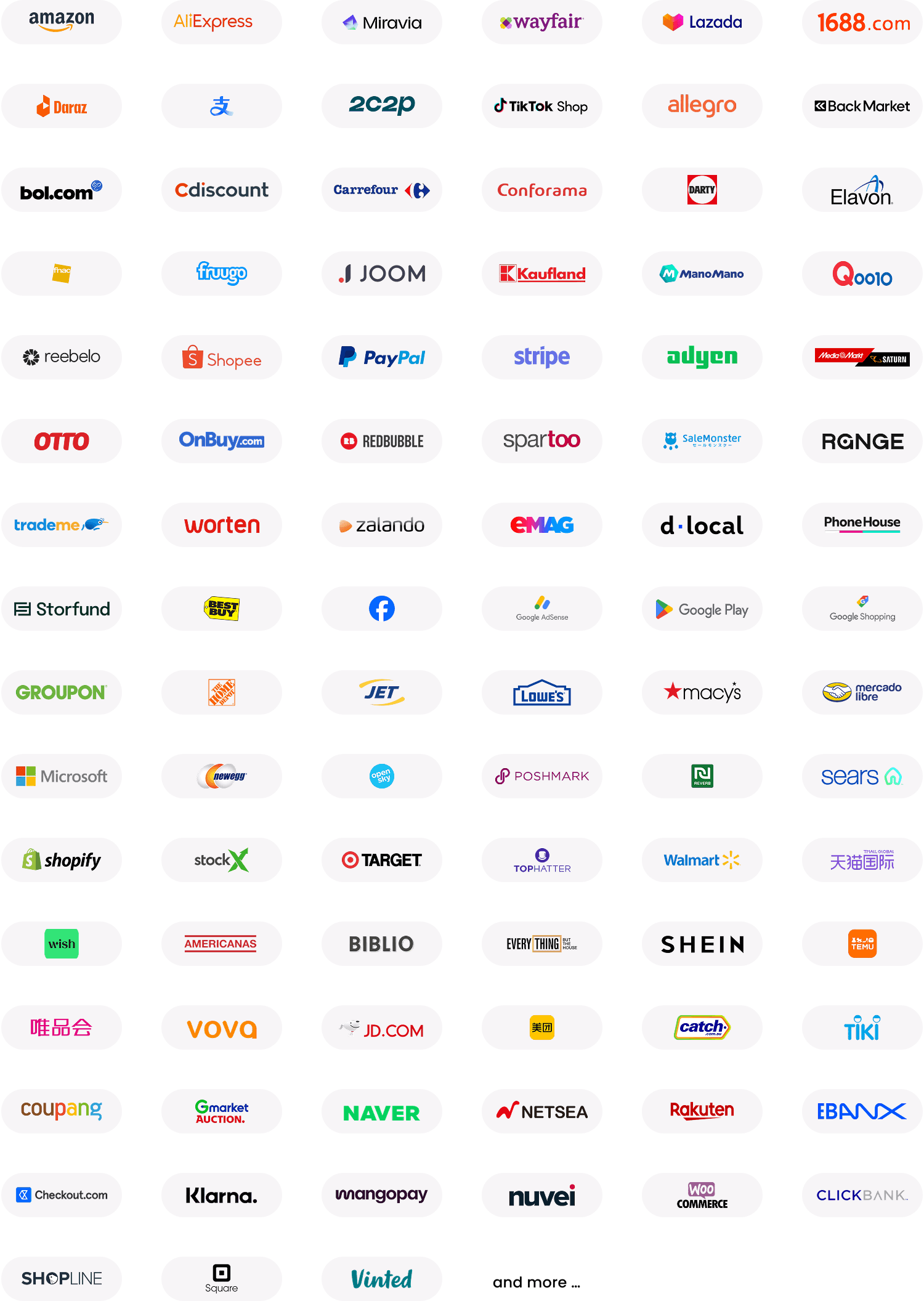
WorldFirst partners with 130+ major marketplaces and e-commerce platforms, making it easy to collect payments from the channels you already use.
That includes leading marketplaces like Amazon and payment gateways such as Stripe or PayPal – all connected in one place with your other international transfers.
If you already sell on a marketplace, switching your payout details to your World Account is simple. You can download an account verification letter directly from your dashboard in seconds.
And because you’re using local receiving accounts, payments move through domestic networks instead of slow international wire systems. So while you may be used to waiting five or six days for your earnings to clear, 90% of payments arrive in your World Account within 48 hours.
Read more: Marketplace payments guide: How to manage payouts and fees [2026]
One central dashboard to track international payments
When you’re doing business globally, keeping track of income across currencies and platforms can quickly become complicated – and mistakes are easier to make.
WorldFirst brings everything together in one central platform. Instead of logging into multiple dashboards to track global payments, you log in once and see all your currency accounts in one place. For example, if you receive USD into multiple receiving accounts, your dashboard shows one combined USD balance – so you can quickly see how much you have.
You can easily see when a payment is expected to settle, receive instant alerts when it arrives and view a clear breakdown of the fees charged.
Your World Account also syncs with leading accounting tools like Xero and NetSuite, or connects via API. With this automatic reconciliation, you can easily keep your records up to date and reduce manual work
Open your local currency receiving account with WorldFirst
WorldFirst gives SMEs an easy way to receive payments in foreign currency. It only takes four simple steps to sign up for your online account:
- Submit your application online and be notified within two business days
- Set up a receiving account in the currency of your choice – in just seconds
- Share your receiving account details with your customers or connect it to your e-commerce marketplaces
- Collect funds in your currency accounts, hold the funds or make currency conversions and payments to suppliers
Open a multi-currency account so you can easily accept and manage local currencies.
FAQs
What does it mean to accept payments in local currency?
Accepting payments in local currency means allowing customers to pay in their own currency (e.g., GBP in the UK, EUR in Europe or JPY in Japan) instead of the seller’s home currency. This often improves the checkout experience.
How can I receive local payments with a World Account receiving account?
With a World Account, you can receive payments from approved online marketplaces (like Amazon) and other supported payment methods, including payment providers (such as Stripe or PayPal) and your own bank account.
If you’re a sole proprietor, you can receive payments from approved marketplaces and your personal bank account. If you’re a registered business, you can receive payments from approved marketplaces, payment providers and your linked bank account.
Is Dynamic Currency Conversion (DCC) the same as accepting local currency?
No. DCC converts the transaction at checkout into the customer’s home currency using the acquirer’s rate.
Accepting local currency means the transaction is processed in the merchant’s local currency and the customer’s bank handles the conversion later. For businesses trading internationally, these two models have very different cost and control implications.
Where is DCC available?
Dynamic currency conversion operates under credit card network rules (such as Visa and Mastercard) and is available only on eligible cross-border payments where the cardholder’s billing currency differs from the merchant’s currency.